Your Phone's 100% Is a Guess, Not a Measurement
Inside the coulomb counter, voltage curves, and drifting fuel gauge that decide when your laptop dies at 15%.
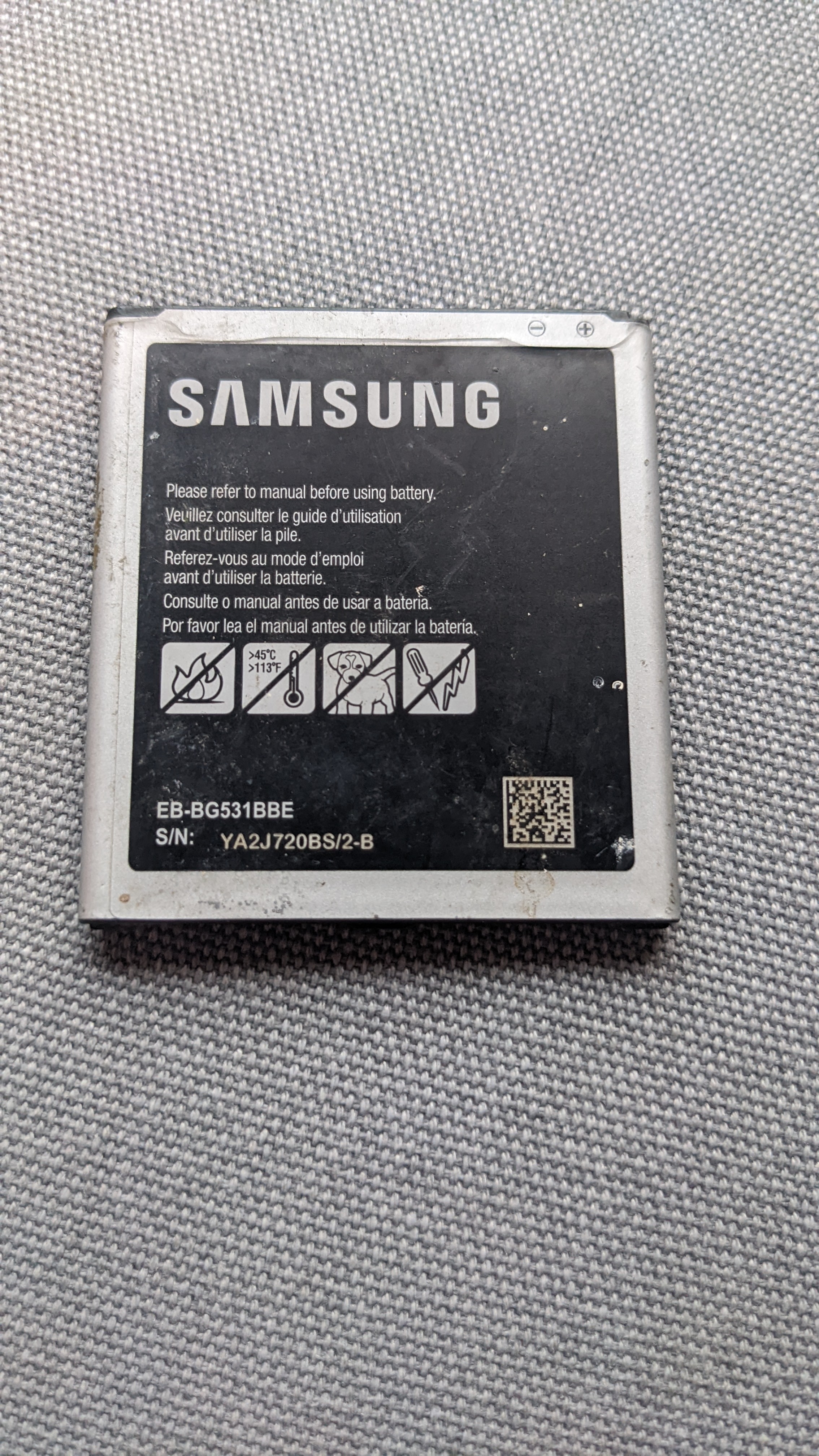
State of charge has been an important and ever-existing problem since the invention of the electrochemical cell [3] — which is a polite way of saying that we still can't directly measure how much juice is left in a battery. State of charge, or SoC, quantifies the remaining capacity available at a given time and in relation to a given state of ageing, and it usually cannot be measured directly, only estimated from other variables [8]. The battery percentage is not a direct read of remaining energy; phones estimate remaining capacity [10].[3][8][10]
The Fuel Gauge That Counts Electrons and Slowly Loses Count
The workhorse method is coulomb counting: measure the current flowing in and out of the battery and integrate it over time [8]. A battery management system, the circuitry that keeps a pack in optimum condition, uses this to track charge delivered or stored [1][9]. The catch is baked into the method. Coulomb counting suffers from long-term drift and lacks a reference point, so the SoC must be re-calibrated on a regular basis [8].[1][8][9]
The fix is a reset. The SoC can be re-calibrated by setting it to 100% when the charger determines the battery is fully charged [8]. Some embedded algorithms go further, initializing with a self-calibration phase that evaluates battery capacity, coulombic efficiency, and initial state of charge, with the starting point pinned at either the fully charged or fully discharged state [3].[3][8]
Voltage Lies, Especially When It's Cold
The second method reads voltage and converts it to a percentage using a known discharge curve. The problem: voltage is significantly affected by battery current, due to electrochemical kinetics, and by temperature [8]. A BMS monitors total voltage, individual cell voltages, and temperatures precisely because those readings move around [9]. For lithium iron phosphate packs, whose voltage barely shifts with state of charge, open-circuit voltage measurements cannot provide a reliable estimate at all [8]. Some chemistries simply refuse to cooperate.[8][9]
Modern systems blend the two. A Kalman filter adjusts its relative trust of battery voltage and coulomb counting in real time [8]. Even so, estimates drift due to battery age and wear, temperature changes, sudden current spikes from gaming or hotspot use, and recent charging behavior like short top-ups versus deep cycles, according to Fix Devices Shop [10]. As lithium-ion batteries age, internal resistance rises, voltage dips more sharply under load, and the phone reads that dip as less battery — so the percentage can suddenly fall. When the load eases or temperature rises, voltage rebounds and the percentage may jump back up [10].[8][10]
Miscalibrated fuel-gauge data can make the percentage stall for a long time, then plummet — or the phone power off while still reporting 10 to 20 percent.
Why It Dies at 15%, Then Wakes Up at 63%
On Samsung's own community forum, one user described a phone shutting down around 5–6% charge, then showing roughly 63% when powered back on — a swing they called "definitely odd and seems like a battery calibration glitch" [11]. They added that whenever charge drops below 5–6%, the phone tends to shut down automatically, and that plugging in the charger snaps the number back to around 6% almost instantly [11]. An unexpected shutdown at 25% is a key symptom of a drifting fuel-gauge estimate, per Whizz Computer, and it can also happen when Windows wakes from sleep holding stale battery data [12].[11][12]
Cold makes it worse. Electrode kinetics slow down, so the battery "acts smaller" and the percentage drops rapidly; heat raises stress and accelerates wear, worsening long-term stability [10]. Meanwhile, a wrong percentage is often the system reading an old or incorrect value from the battery controller after sleep, hibernate, or an update — or an ACPI driver glitch, Fast Startup, or corrupted power state on Windows machines [12].[10][12]
Battery Health Is a Marketing Number
Here's the distinction that trips people up: the on-screen percentage shows today's charge level, not a real measure of your battery's long-term health [13]. True health reveals how much total energy the battery can hold compared to when it was brand new, and it only goes down over time — a one-way street [13]. State of health is a variously defined measurement of remaining capacity as a fraction of original capacity, per Wikipedia [9].[9][13]
Apple introduced battery health visibility in iOS 11.3 on March 29, 2018, showing maximum capacity as a percentage of original design specs, according to Bottega del Sarto's writeup [5]. But that number doesn't reliably predict maximum capacity and may not update for many months, per a YouTube explainer on checking real iPhone capacity [14]. Apple's own guidance, cited in that video, holds that after 500 cycles a battery loses 20% of its capacity — which yields a rough formula: multiply cycle count by 20, divide by 500, subtract from 100 [14]. A nearly two-year-old Galaxy S23 Ultra with 445 cycles reported 98% health on Reddit; a heavily used S9 with 1,745 cycles showed 87% [6]. Cycle count, at least, is a hard number.[5][6][14]
Samsung now offers its own check: Settings > Battery > Battery health on Galaxy S23 and later models displays a 0–100% score, cycle count, and lifespan estimate without third-party apps [7]. Older models like the S22 or A54 can dial *#*#4636#*#* or *#9900# to reach system dump menus with raw battery stats [7]. Apps like AccuBattery estimate health via charge cycles but lack OEM accuracy [7]. Below 80%, a battery is generally considered consumed, and an aging pack can cause a phone to die even when it says 20% or 30% remains [13].[7][13]
What to Actually Do
On Windows, generate a read-only battery report comparing design capacity versus full charge capacity [12]; the two values are rarely identical, and a large gap indicates reduced capacity and may trigger a replacement recommendation [4]. On phones, check cycle count where available — it's the most honest metric in the menu. Battery software can lose calibration after battery swaps, improper shutdowns, or a new battery install, causing the OS to show a false lower percentage even when fully charged [4]. If a battery discharges and recharges but gets stuck below 100%, the cause may be a failed cell, a power management setting, or a calibration problem — and calibration won't help if the battery won't recharge at all, potentially damaging it permanently if it can't be recharged immediately after discharge [4].[4][12]
The habits that help are unglamorous. Avoiding full discharge and recharge cycles can extend service life [4], and extreme heat plus high charge levels are the two main factors that permanently reduce a battery's ability to hold a full charge [13]. Frequent fast charging and using the device while charging can also affect health [14].[4][13][14]
Sources
- State of Charge (SoC) Estimation on LiFePO 4 Battery Module Using Coulomb Counting Methods with Modified Peukert — academia.edu
- Estimation of State of Charge (SoC) Using Modified Coulomb Counting Method With Open Circuit Compensation For Battery Management System (BMS) — academia.edu
- Implementation of Coulomb Counting Method for Estimating the State of Charge of Lithium-Ion Battery — academia.edu
- Laptop Battery Not Charging to 100% - How to Calibrate Your Battery — laptopbatteryexpress.com
- Samsung Battery Health IPhone-style Checks Finally Possible? — shop.bottegadelsarto.com
- Samsung needs to add the battery health percentage in settings like Apple — reddit.com
- Samsung Battery Health Percentage Settings You Can't Find — shop.bottegadelsarto.com
- Wikipedia: State of charge — en.wikipedia.org
- Wikipedia: Battery management system — en.wikipedia.org
- Why Your Phone’s Battery Percentage Jumps Up and Down — Real Causes, Fixes, and When to Get Help | Fix Devices Shop — fixdevicesshop.com
- Battery percentage and sudden shutdown issue on Ga... - Samsung Members — r2.community.samsung.com
- Laptop Battery Percentage Showing the Wrong Number? Fix It — whizz-computer.com
- What Is the True Battery Health Percentage of Your Phone? — chargie.org
- How To Check Real Battery Capacity on your iPhone! — youtube.com
Reported with AI assistance using internet sources.